Piece of Mind

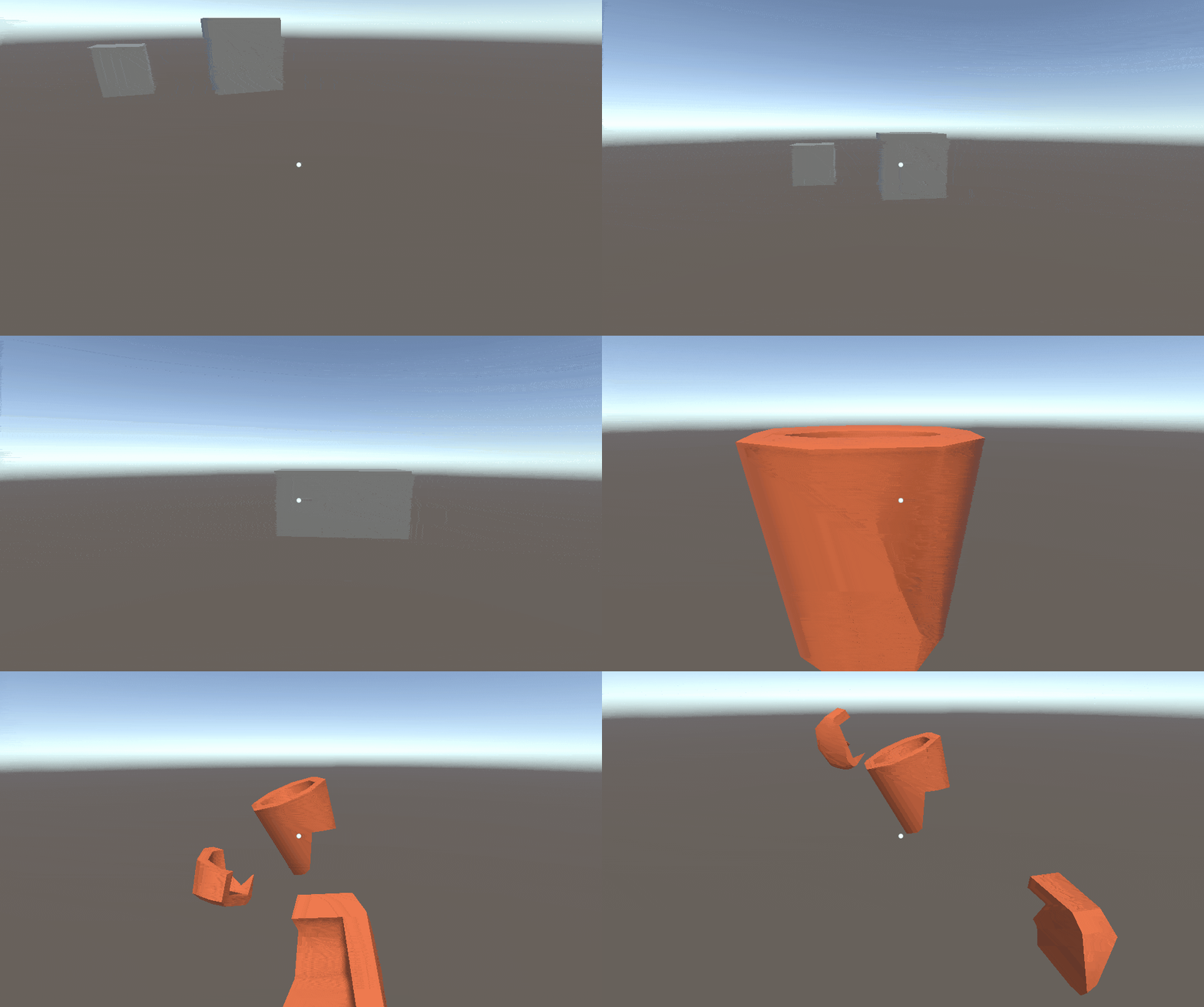
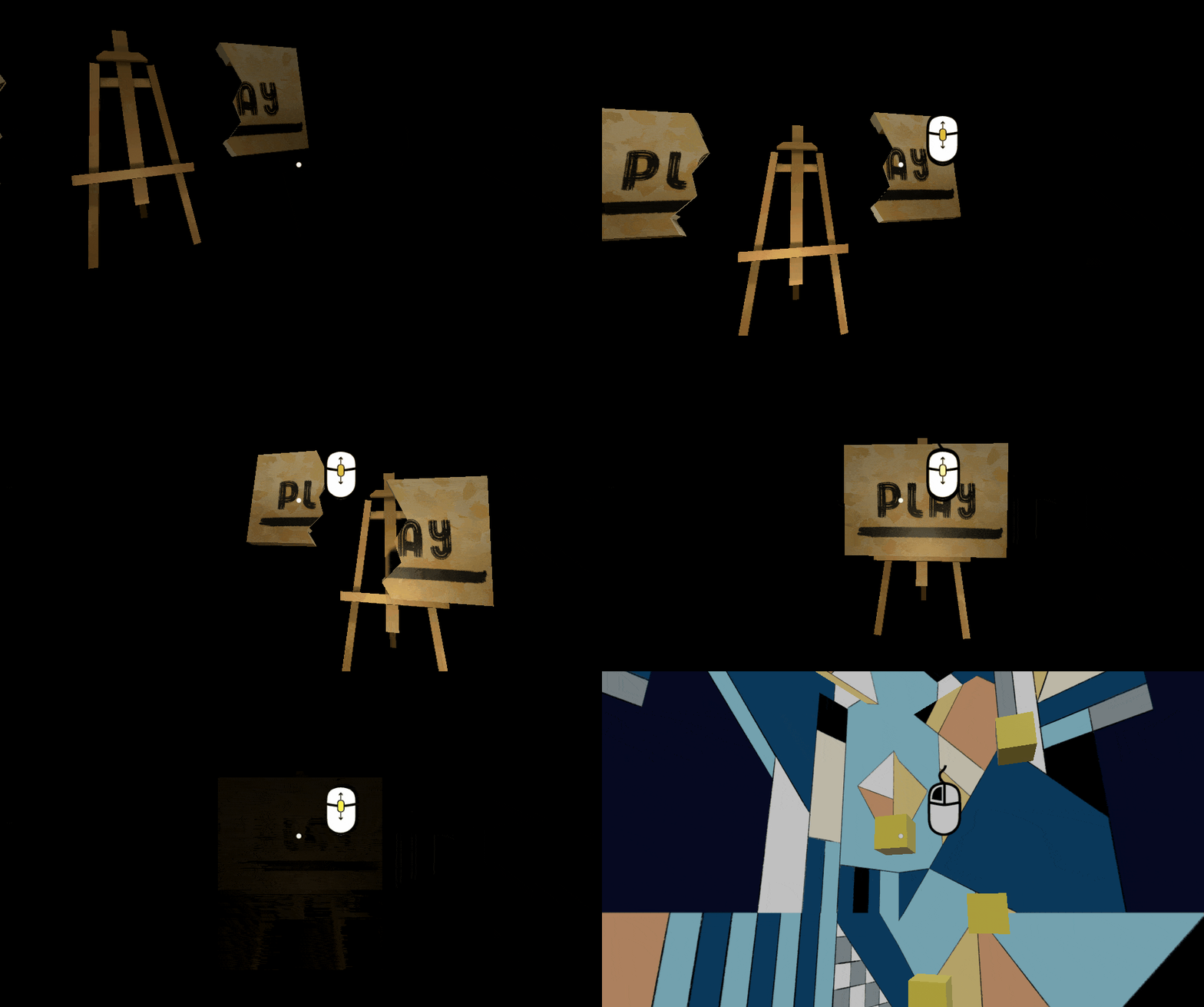
This is a 3D spatial puzzle where you rebuild the memories of an artist through piecing together objects from his shattered life. This prototype features four levels, each it's own object and puzzle.
Controls
- Look around with your mouse
- Press and hold LMB to grab and drag pieces
- While holding LMB
- Press and hold RMB to rotate pieces
- Use the scroll wheel to push and pull pieces
Roles & Responsibilities
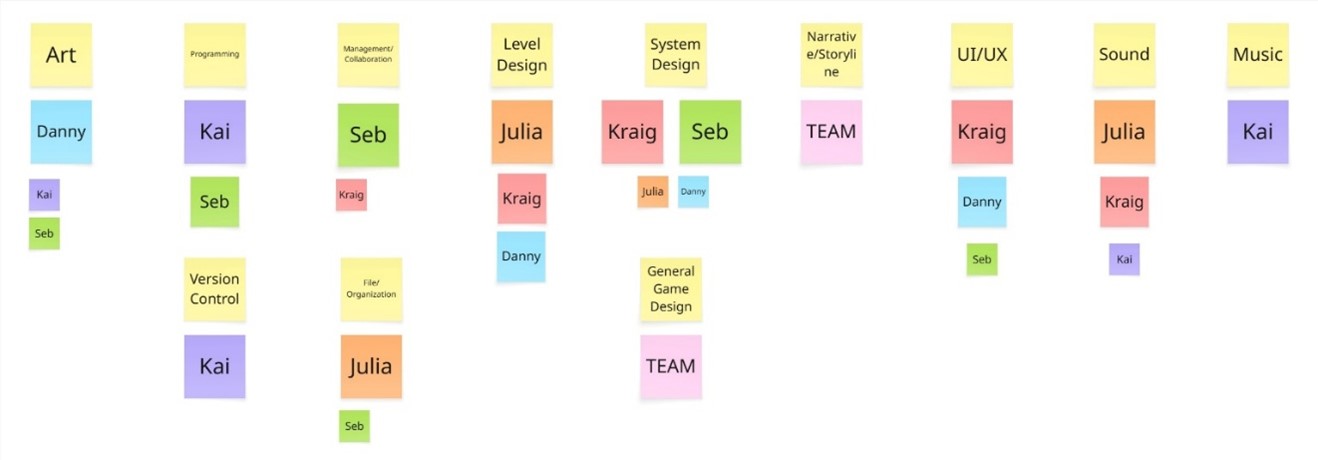
My responsibilities as the teams main programmer was to work in engine to program our games functionality and implement other elements from my team. I was also the owner of our Controlling Pieces feature that was apart of our first milestone. This feature was the core of how the player interacts with our game pieces, through dragging, rotating, pushing and pulling. Some of the tasks I completed as the programmer working on this feature were writing the scripts needed to create our snapping effect, scripts for the player controller as well as scripts for our Snap Points. Snap Points are the points on each piece in which another piece connects to it.
Design Process
My process when working on this project was to get the task working in the simplest way I can think of, and to iterate upon that once I know this is the player experience we want.
Planning
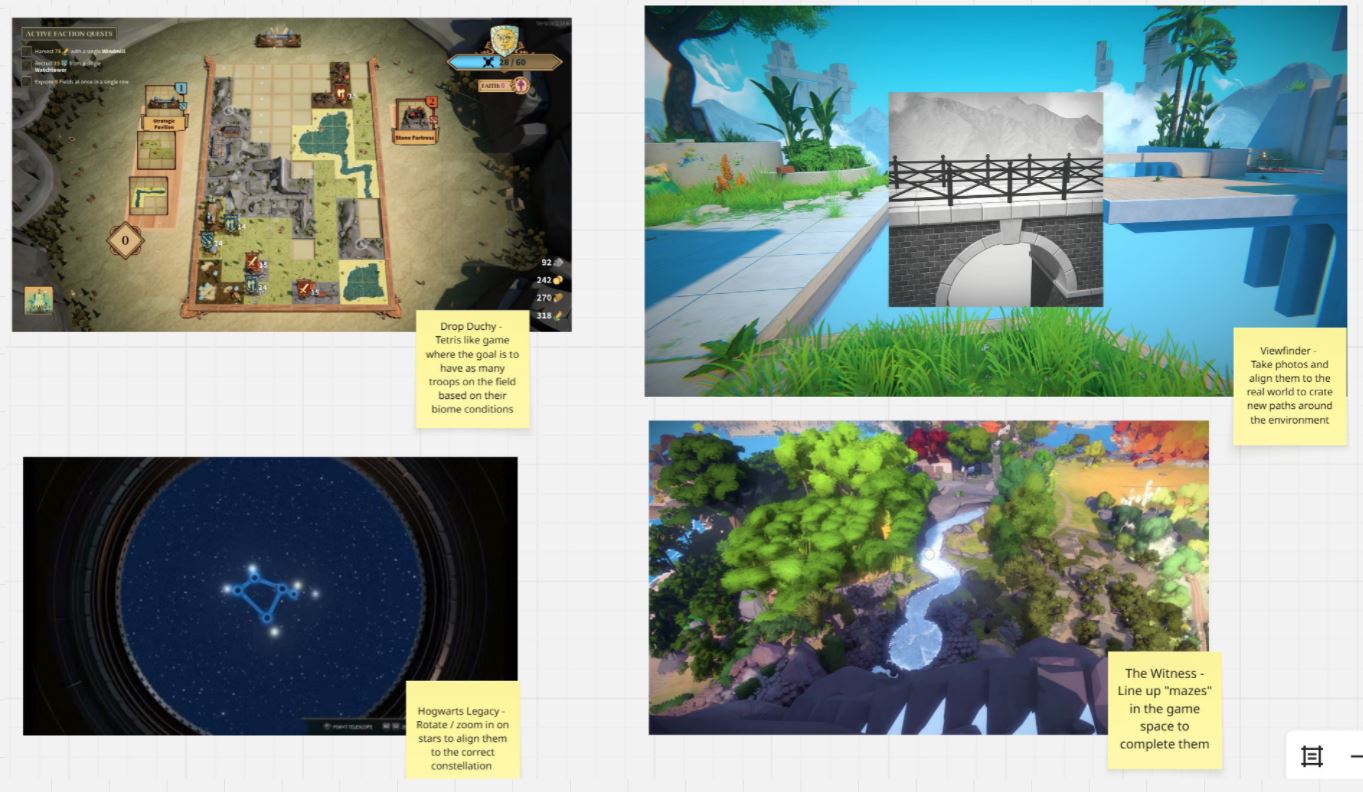
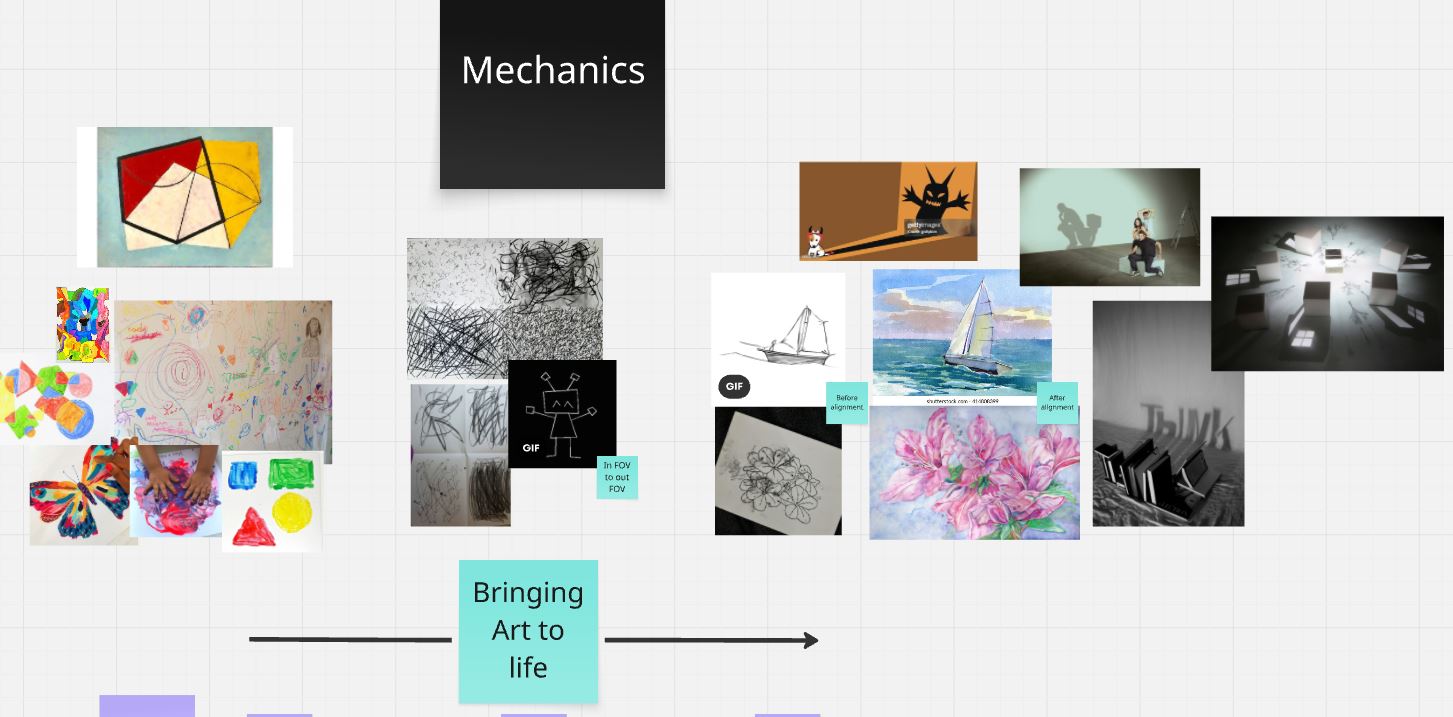
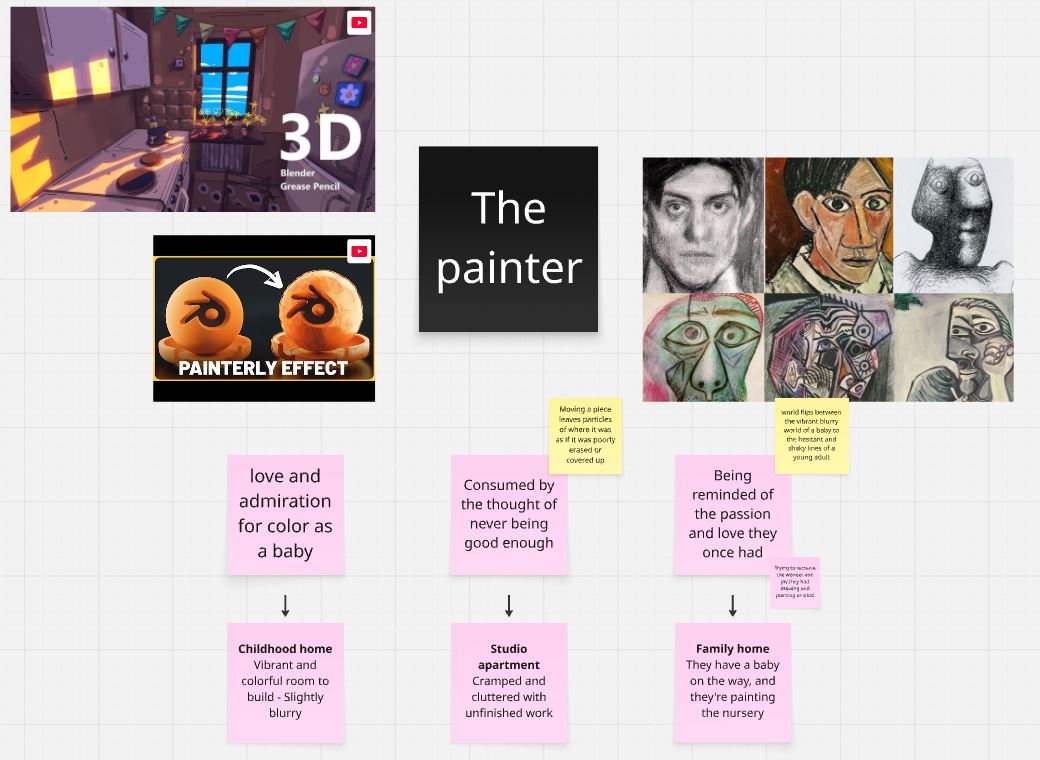
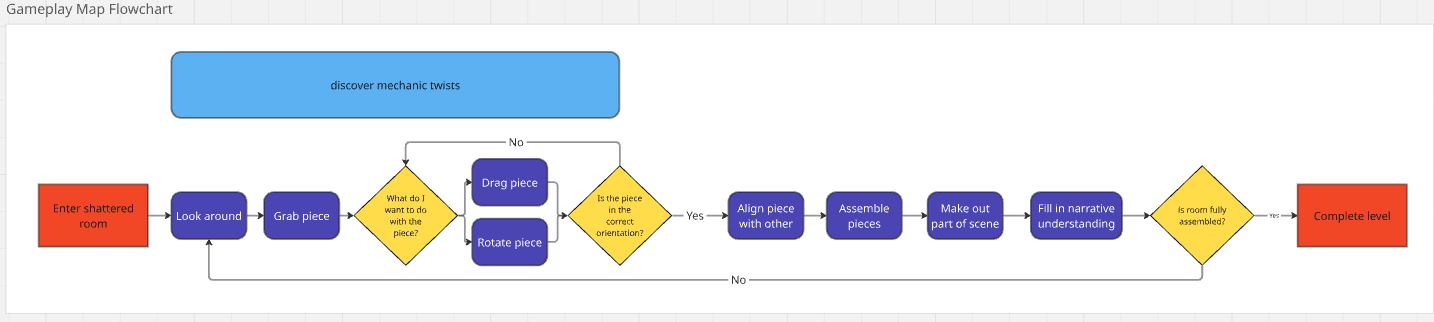
I used Miro while ideating and planning this project. This tool was used as a team to create flowcharts of the experience and to create diagrams as a group.
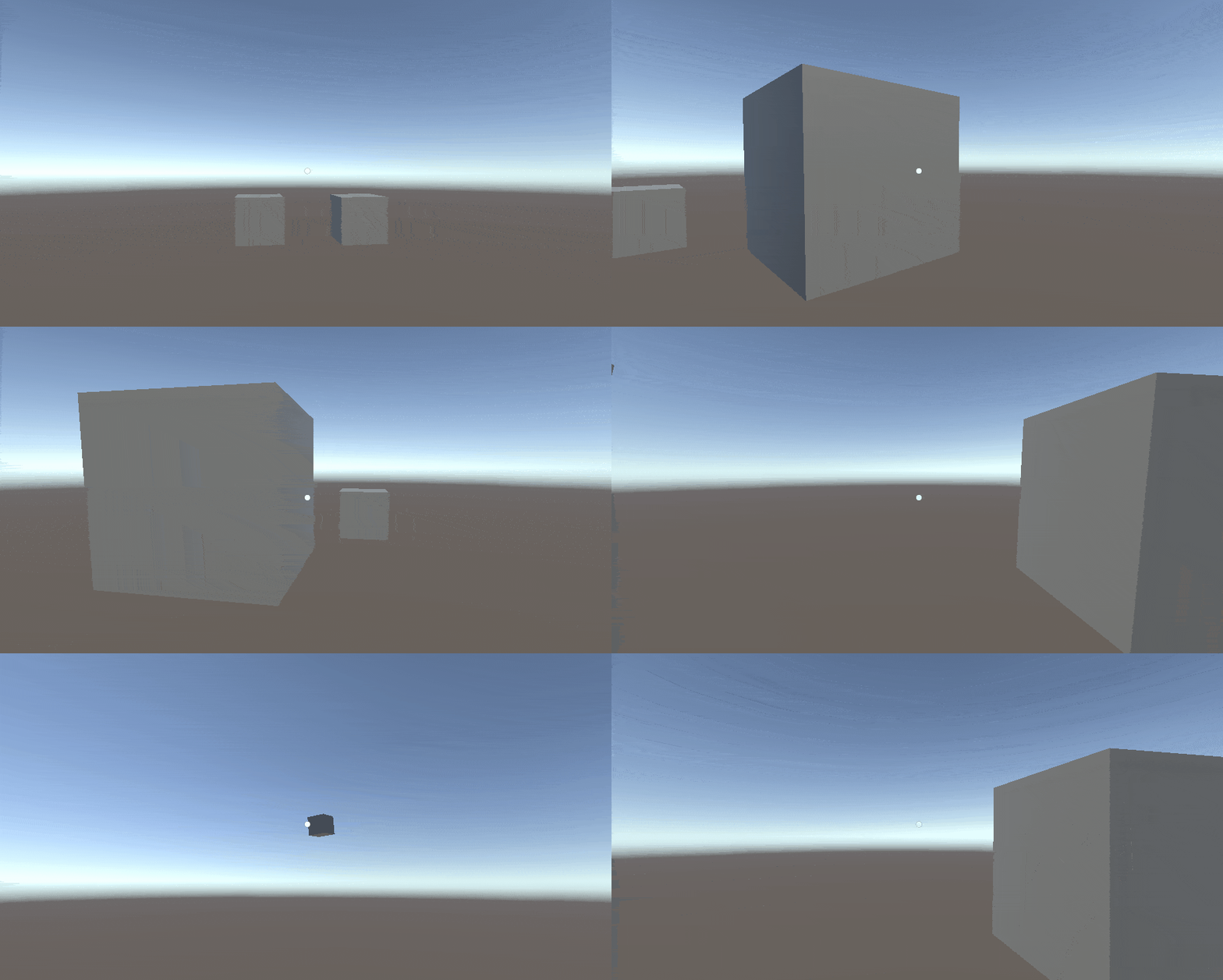
| An example of this is the difference between how Snapping Pieces used to work, and how they work now two months later. In my first iteration, every piece had a sphere known as its Snap Point that if intersected with another Snap Point, are considered snapped to that other piece. I used this to test whether snapping pieces by bringing them into close proximity with each is a satisfying experience for the player. This was the simplest way to get two pieces snapping together. | 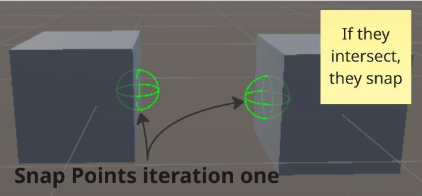 |
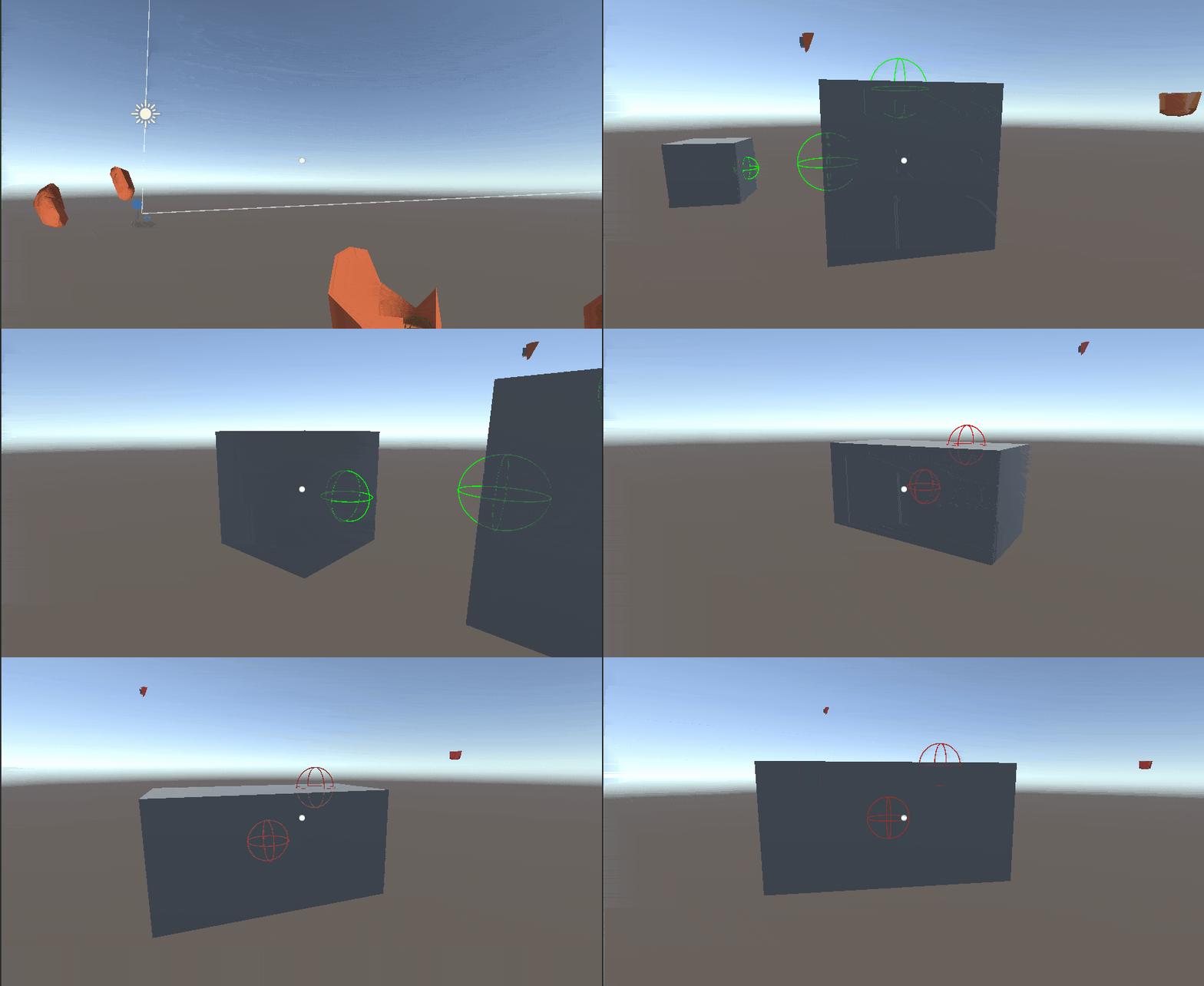
| The next iteration was to give each Snap Point it's own identification so that Snap Points will only snap if they intersect with a Snap Point of a matching ID. The Snap Point with ID A can only snap with Snap Points with ID A, same with ID B and so fourth. This built upon the snap system that I knew was satisfying, and was the framework for how snapping currently works with ID's. This was done using a conditional statement to check if the two ID integers matched. | 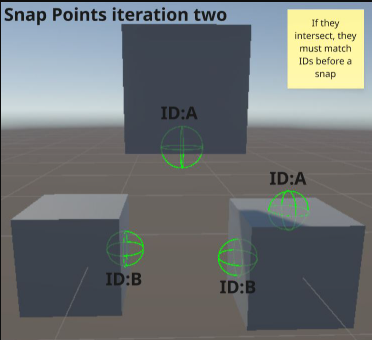 |
| After many iterations the current Snap Points can lock pieces in place and check when all pieces are connected to proceed to the next level. Snap Points also check if a piece is locked before snapping to it. Indicators were also created on top of the Snap Points to show the player where they can snap pieces to avoid confusion. | 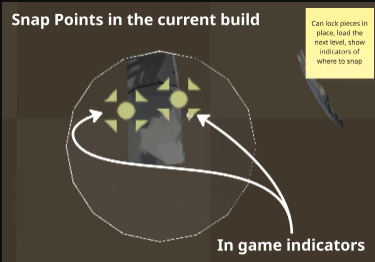 |
Challenges
One of the main challenges I faced while working on this project was getting Snap Points and the pieces attached to them to behave how I want them to. I wanted the player to manipulate pieces naturally, where the controls and game behavior feel intuitive and precise. I could get the player controls to work, however the challenge was making them intuitive and align to our desired player experience. Mechanics like grabbing and dragging were easier to implement because of the relatively easy physics associated with those actions. Rotation and snapping is where the physics got more complicated. As previously mentioned, I spent a lot of time working to get our Snap Points functioning, and part of that was using Fixedjoints to attach two pieces together.
Skills & Knowledge gained
Going into this project I was well versed in 2D programming however this project challenged me as it’s a 3D physics based spatial puzzle. Over the course of this project, I gained a lot of confidence working in a 3D space and using physics to manipulate objects in the world. Furthermore, I wasn’t very confident working with others in GitHub, so this project allowed me to practice merging and using GitHub as a tool with my team. Finally, I learnt alot about using Rigidbodies and FixedJoints to create relationships between GameObjects in Unity.
Leave a comment
Log in with itch.io to leave a comment.